Getting started
What CurTask is, the three lenses, and your first project.
Videos
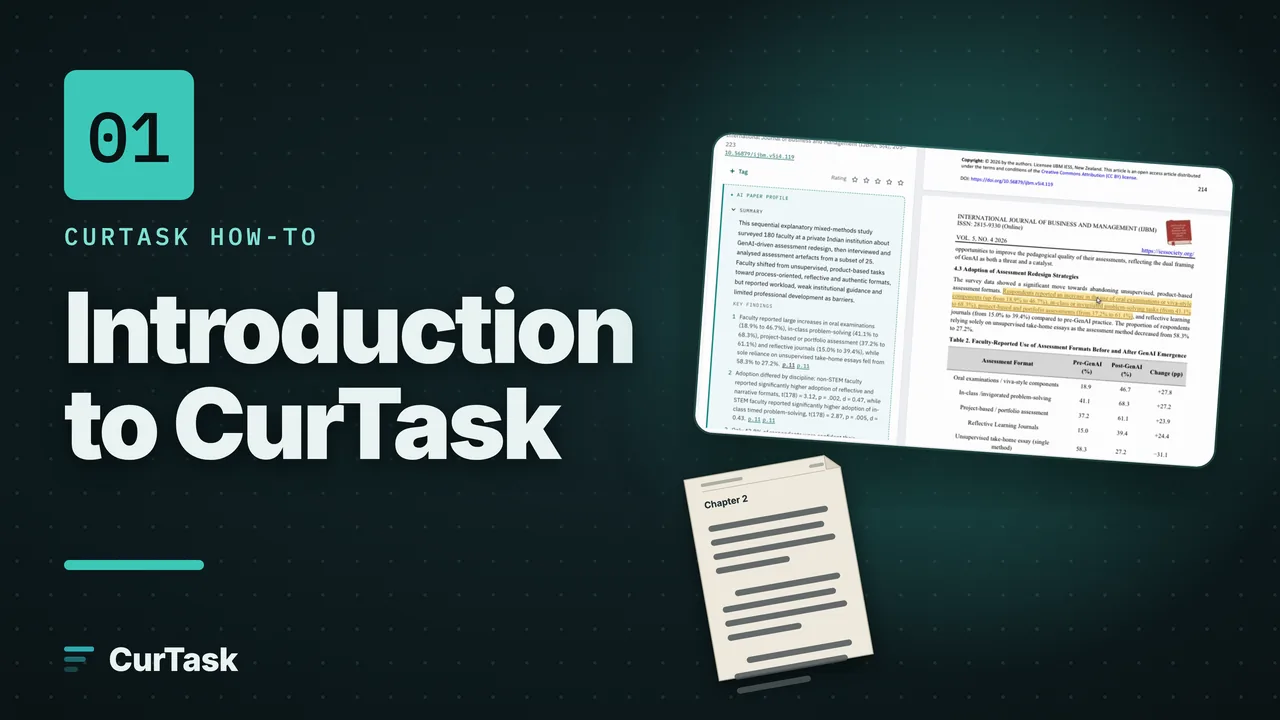
Guides
- Step by stepFind your way around: rail, top bar and command paletteThe main controls on every screen, plus ⌘K or Ctrl+K to do almost anything by typing.
- Step by stepSend feedback or report a problemUse the Feedback button in the status bar to report a bug, share an idea or tell us anything, with an optional screenshot.
Concepts
- ConceptWhat is CurTask?One place to keep your papers, analyse them and write with the evidence beside you.
- ConceptThe three lenses: Library, Analysis, WritingEvery project has three views of the same work, and you can jump between them with one key.
- ConceptAutosave and working offlineWhy there is no Save button, what keeps working when the internet drops, and how your changes catch up later.
- Concept\"Suggested\": you stay the authorEvery AI value, code, theme or sentence waits, marked Suggested, until you accept it; only what you accept feeds the next steps.
- ConceptHow CurTask's AI finds evidenceEvery AI answer carries a page and a quote that CurTask found on that page, many get a second check, and when there is no source CurTask says "No source found" instead of guessing.