How can we help?
Step-by-step guides, the ideas behind CurTask, and a video series that walks you through it.
Start here
Introduction to CurTask
How CurTask keeps an unbroken chain from a passage in a paper to the sentence in your draft that cites it.
Browse by topic
- Getting startedWhat CurTask is, the three lenses, and your first project.
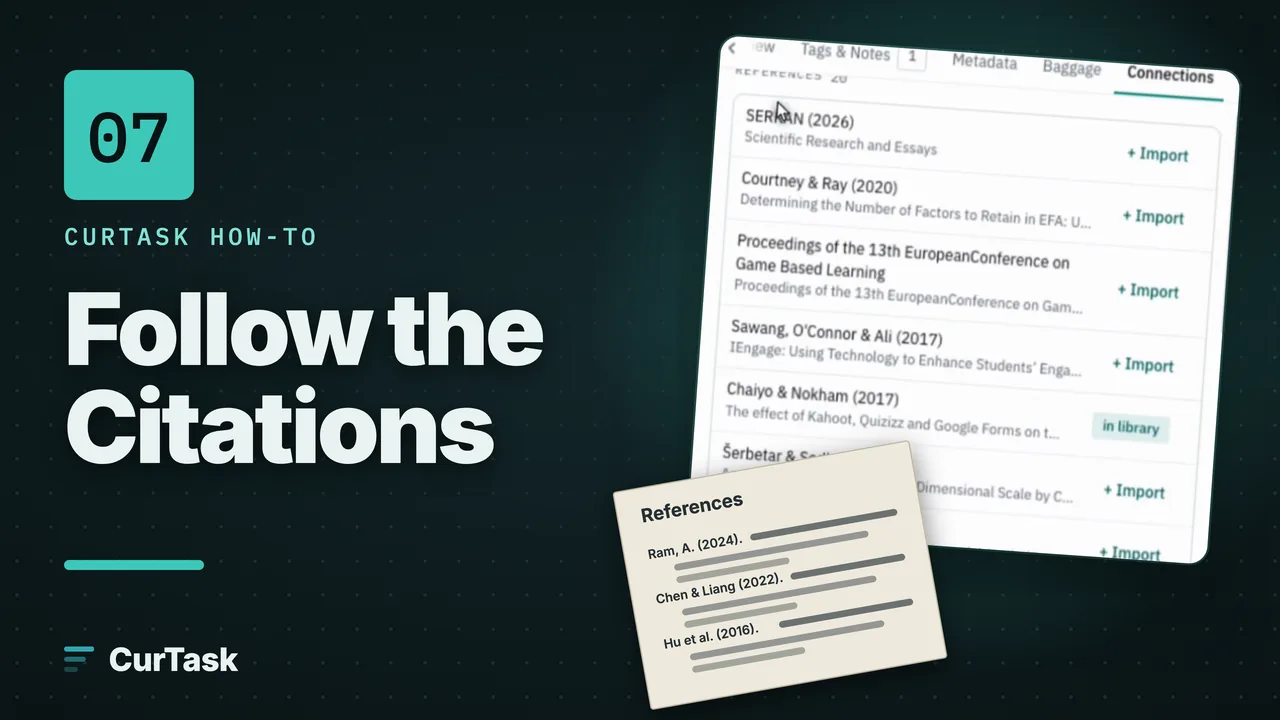
- Library and papersImport, find and read papers, and follow their citations.
- ProjectsProblem statements, research questions and the papers in a project.
- AnalysisThe literature matrix, coding and the synthesis map.
- WritingDrafting, citing, checking claims and exporting.
- Account, credits and privacySigning in, plans and credits, and what happens to your data.
Popular guides
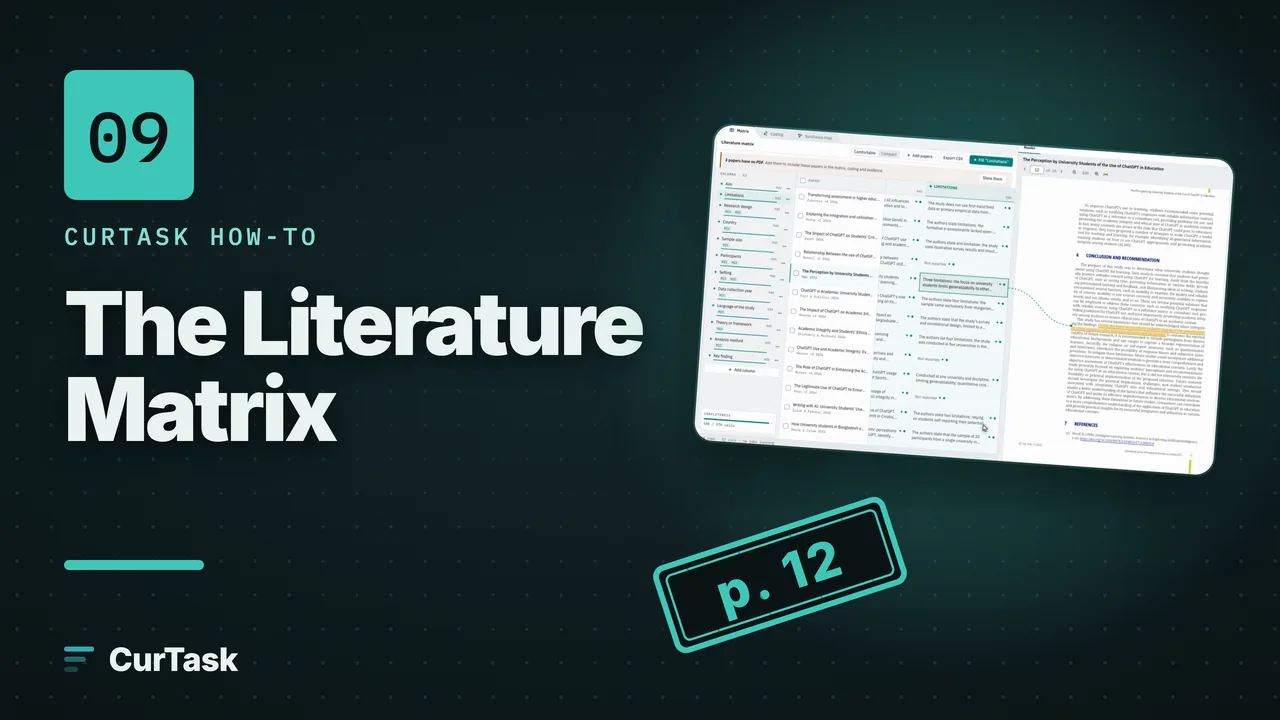
- Step by stepBuild a literature matrixAdd a column, see what filling it costs, check a preview on 3 papers, then fill it and review the answers.
- Step by stepCreate your account and sign inSign up with your invite, confirm your email, agree to the End-User Agreement and arrive on Home.
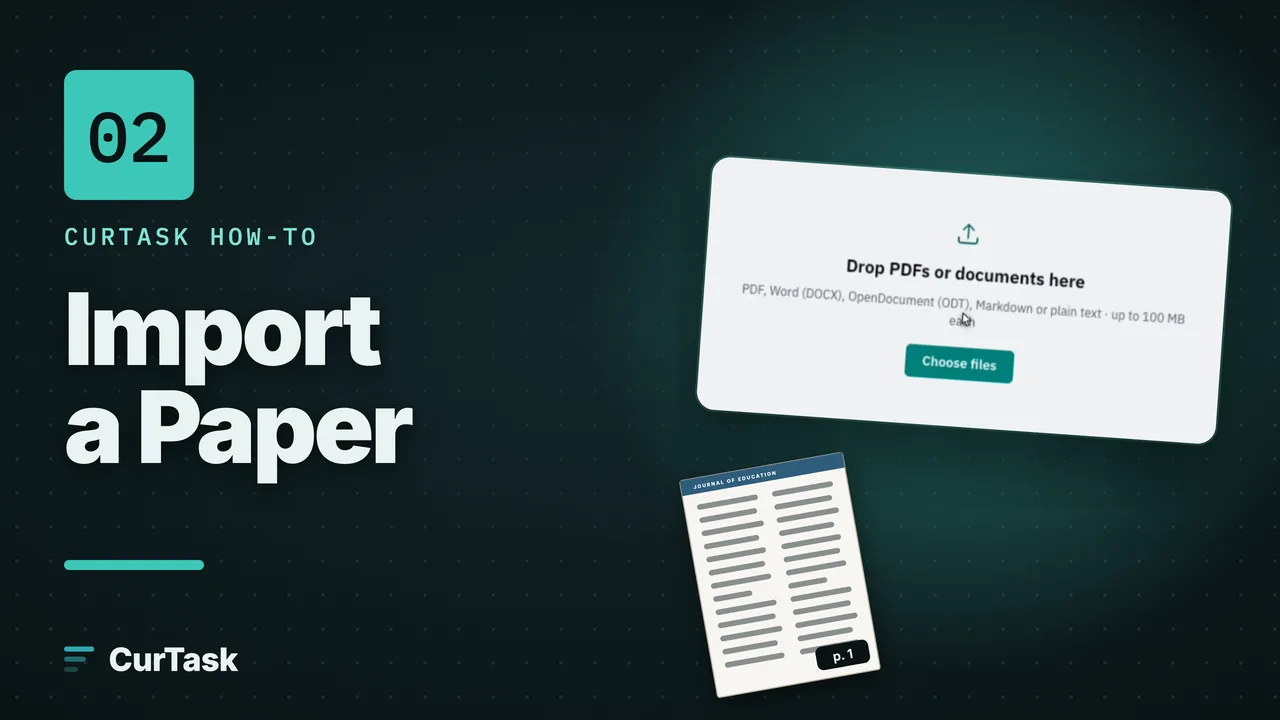
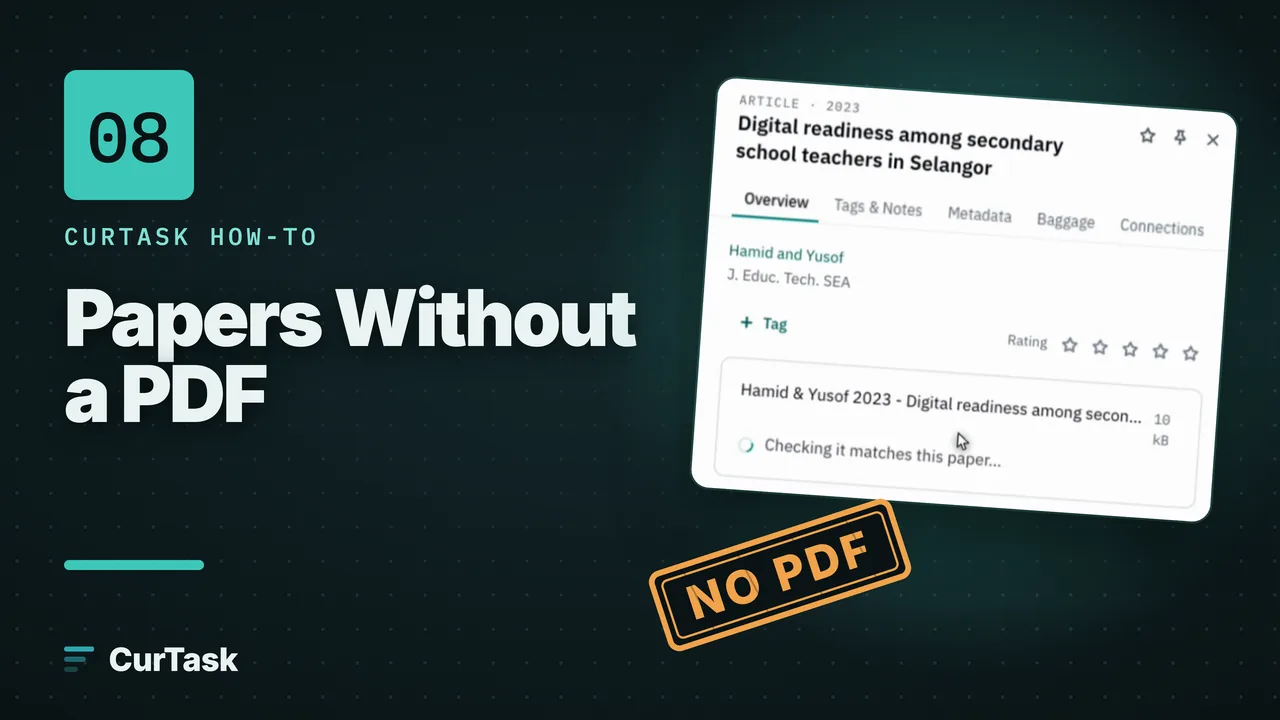
- Step by stepImport papers into your libraryDrop in PDFs or documents, choose the language of any scanned pages, and watch each paper become ready to read, analyse and cite.
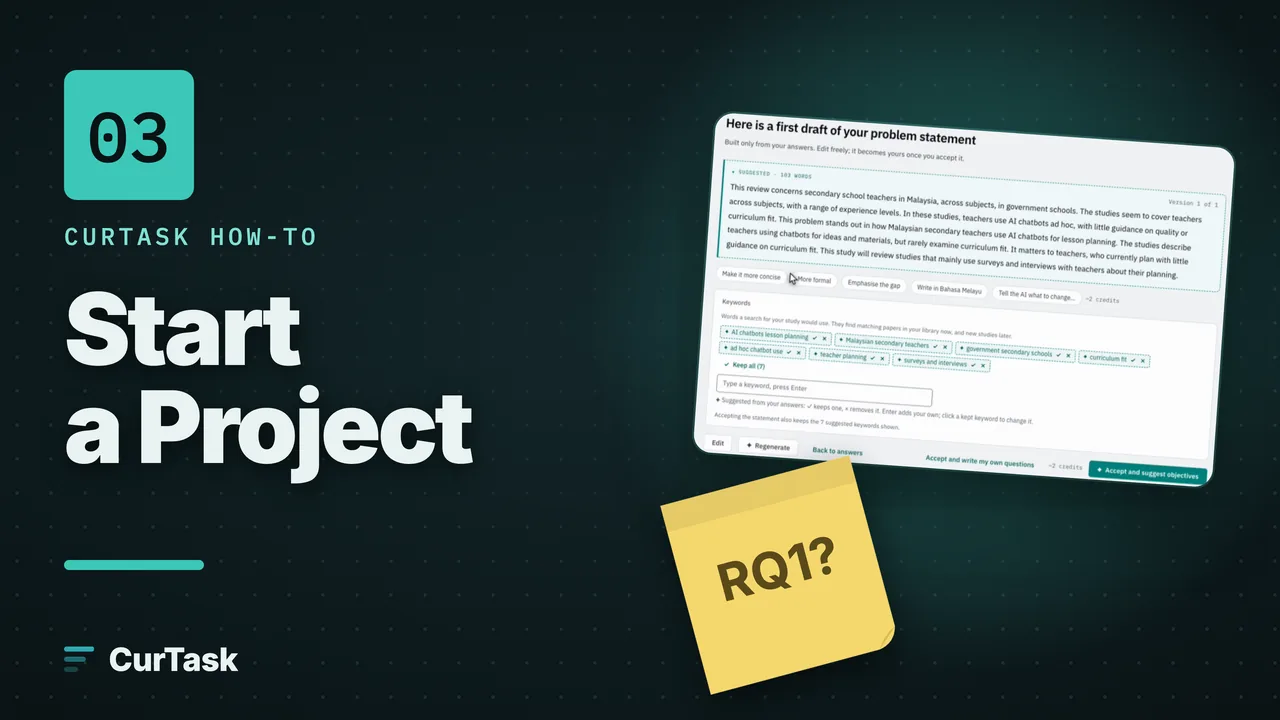
- Step by stepStart a project with the guided interviewGo from a working title to a problem statement, objectives and research questions, then a ready workspace, in about five minutes.
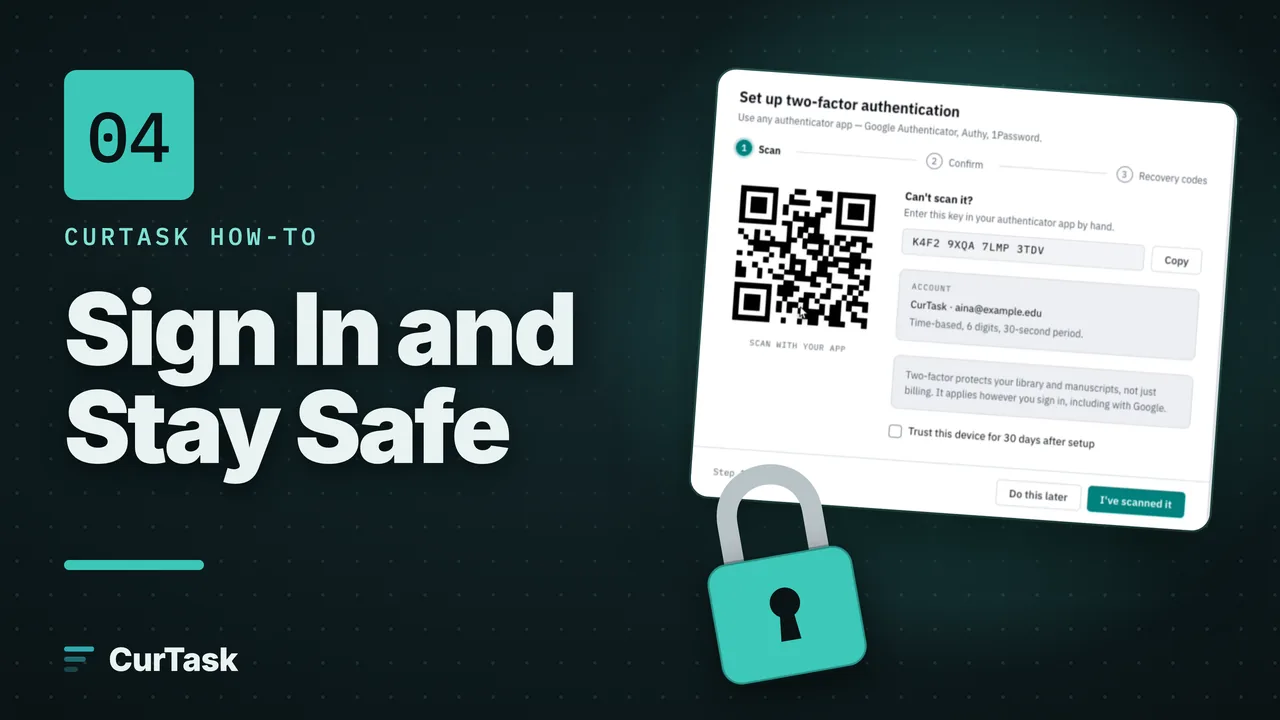
- Step by stepTurn on two-factor authenticationAdd an authenticator app so a stolen password alone is not enough to open your library and manuscripts.
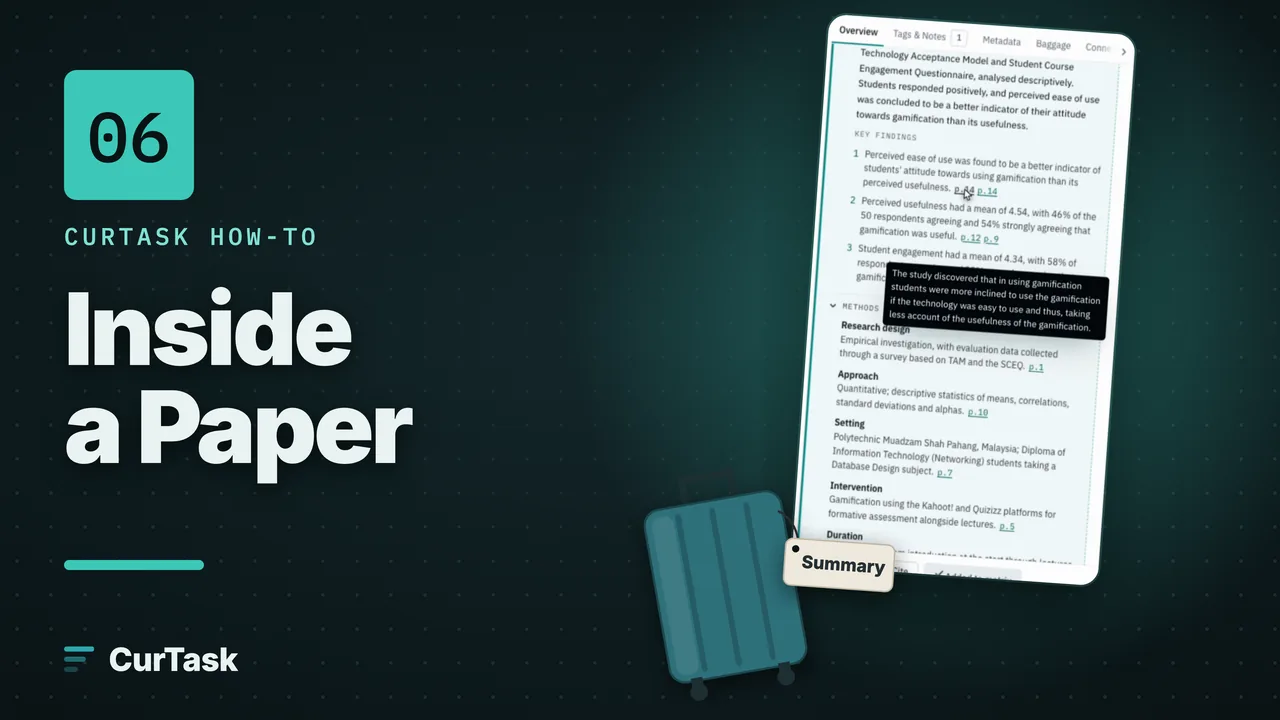
- Step by stepInside a paper: the five tabsOpen any paper to see its AI paper profile, tags and notes, details, Baggage and connections, all in one panel beside your library.
- Step by stepAnalyse a paper with AI (Expand analysis)Choose what to analyse and in which language, see the cost before anything runs, then get a summary, methods, findings and more, each with its page and quote.
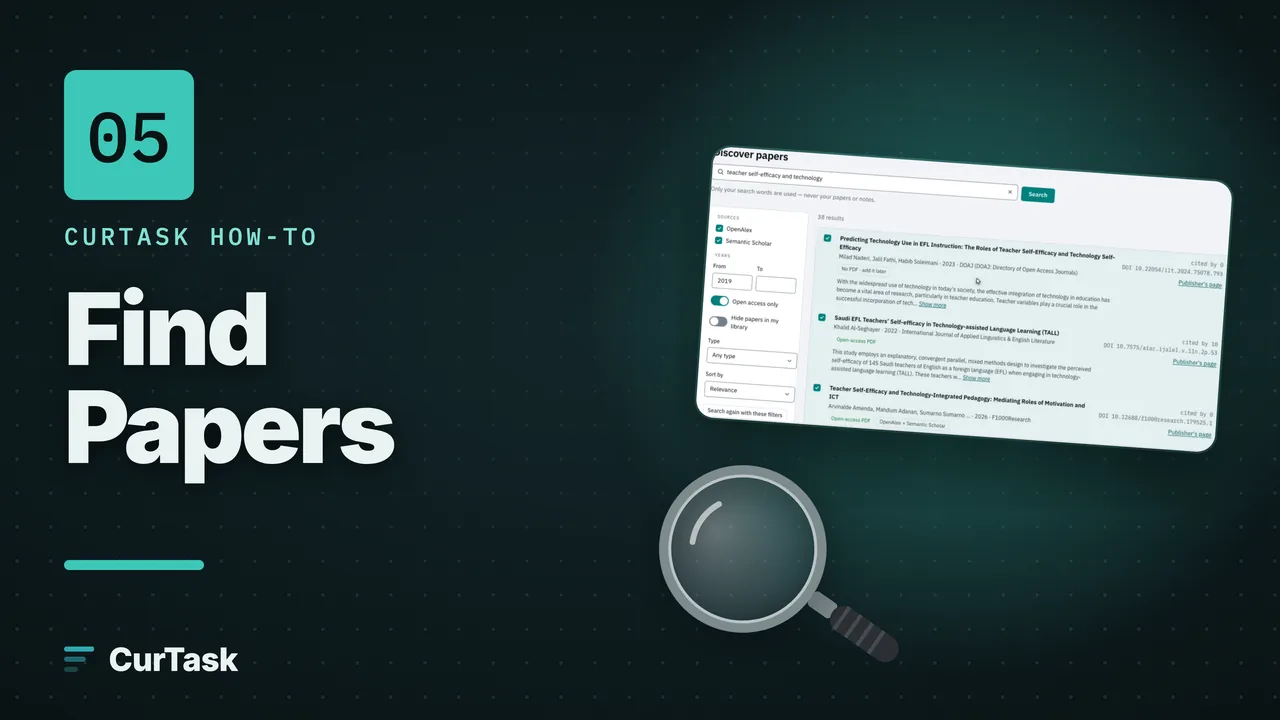
- Step by stepFind new papers with DiscoverSearch the research catalogues from inside CurTask, filter the results, tick the papers you want and import them for free.
- Step by stepCode your papers by handSelect a passage, give it a code, and watch your codebook and coding strips grow.
- Step by stepFrom codes to themes on the Synthesis MapSort your codes into categories on the Board, group them into bigger ones, and turn the top ones into themes written as sentences.
- Step by stepWrite and cite with @Add sections to your manuscript, type @ to cite a paper as you write, choose a citation style, and watch the references build themselves.
- Step by stepCheck my citationsAsk whether each paper you cited actually says what your sentence says, and see the passage it does say.
- Step by stepCompile and export your manuscriptMake a Word, PDF, Markdown or HTML file of your manuscript, with a title page, contents, bibliography and an AI contribution report.