Account, credits and privacy
Signing in, plans and credits, and what happens to your data.
Videos
Guides
- Step by stepCreate your account and sign inSign up with your invite, confirm your email, agree to the End-User Agreement and arrive on Home.
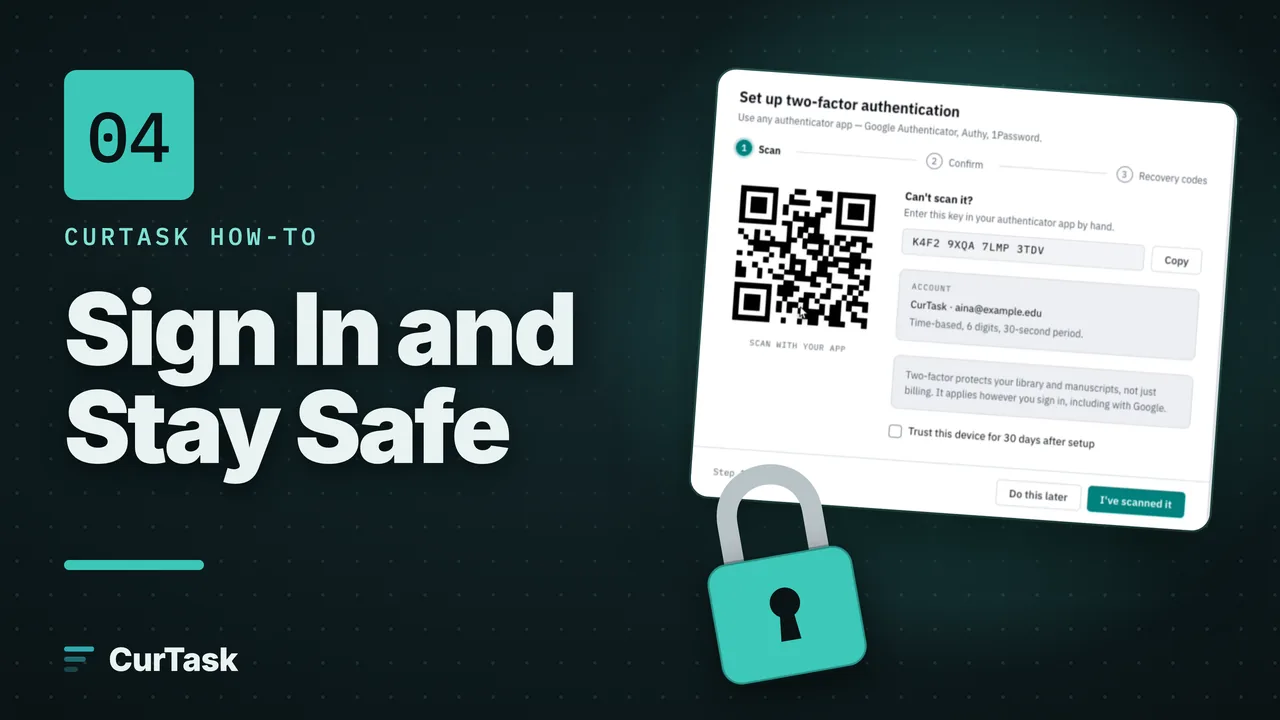
- Step by stepTurn on two-factor authenticationAdd an authenticator app so a stolen password alone is not enough to open your library and manuscripts.
- Step by stepUse a recovery code if you lose your phoneSign in without your authenticator app, then set up two-factor again and get new codes.
- Step by stepSee and sign out your devicesCheck where your account is signed in, sign out a device you don't recognise, and look over recent sign-ins.
- Step by stepReset a forgotten passwordGet a reset link by email and choose a new password.
- Step by stepChange the app language and themeSwitch CurTask between English and Bahasa Melayu, and between light and dark.
- Step by stepUpgrade your plan or buy creditsChoose the Student or Researcher plan, monthly or yearly, or buy a top-up of extra credits, from Settings, Billing.
- Step by stepGet the Student planSign up with your university email, or switch an account you already have, confirm you're enrolled, then choose the Student plan.
- Step by stepDownload all your data or delete your accountGet one file with everything in your account, or delete your account and still restore it within 90 days.
Concepts
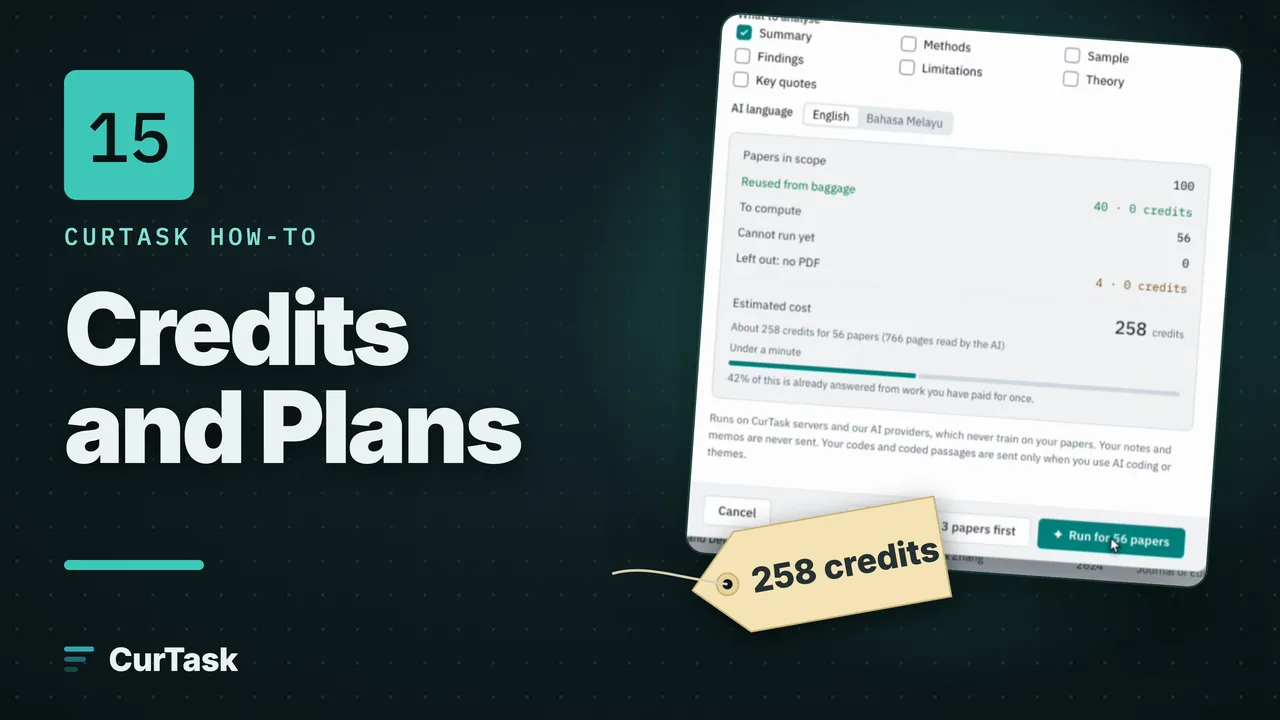
- ConceptHow credits work: estimate, reserve, settleYou see what an AI action will cost before it runs, the credits are held when it starts, any unused ones come back, and reusing work you already have is free.
- ConceptPlans and what paid plans addFree, Student and Researcher, what every plan can do, what the paid plans add, and how to spot a paid feature by its yellow gem.
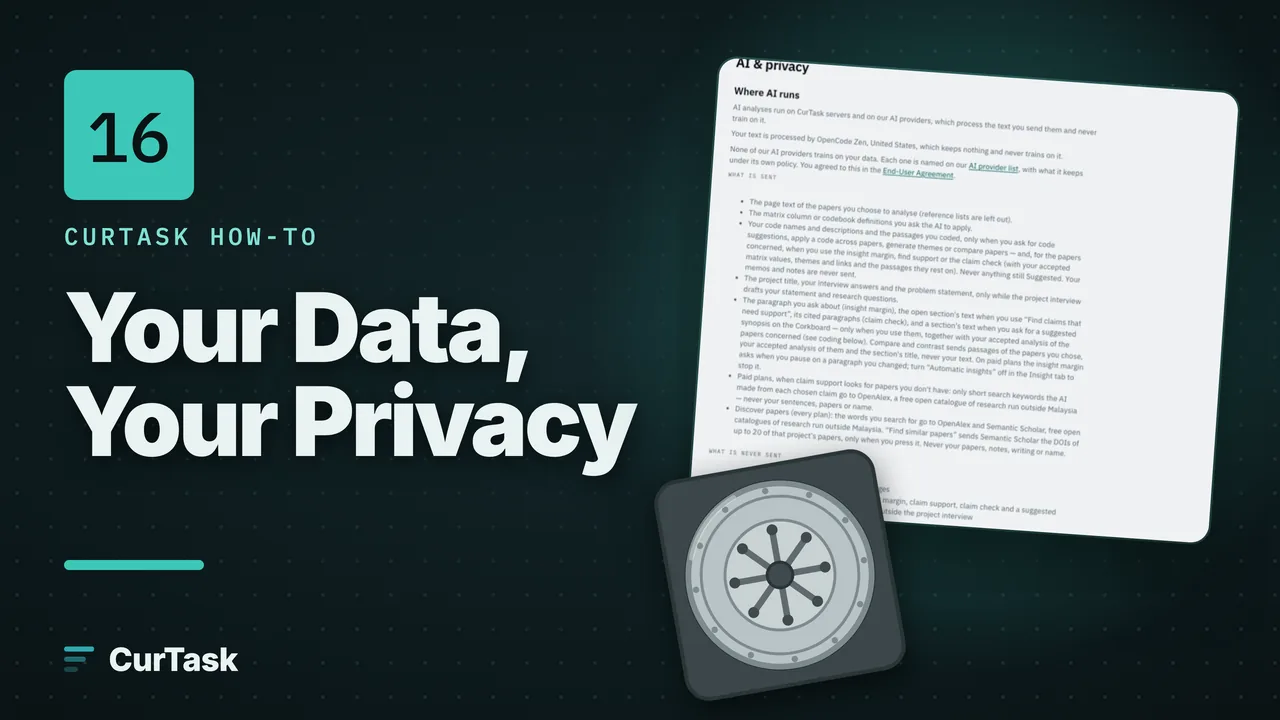
- ConceptPrivate by default: who can see your workOnly you see your papers, notes, codes and writing; your data is stored in Malaysia; here is the one small thing that is shared, and everything that never is.
- ConceptWhat is sent to AI, and what never isA plain list of what leaves CurTask for AI and when, what never does, and why your papers are never used to train AI.
- ConceptCan I share a project or work with others?Not yet. Every CurTask project is personal for now; here is how to share your work with a supervisor or co-author in the meantime.
- ConceptSave to CurTask (browser extension)Save to CurTask, a free extension for Chrome, Edge and Brave, is coming soon; here is what it will do and what to use until then.