Writing
Drafting, citing, checking claims and exporting.
Videos
Guides
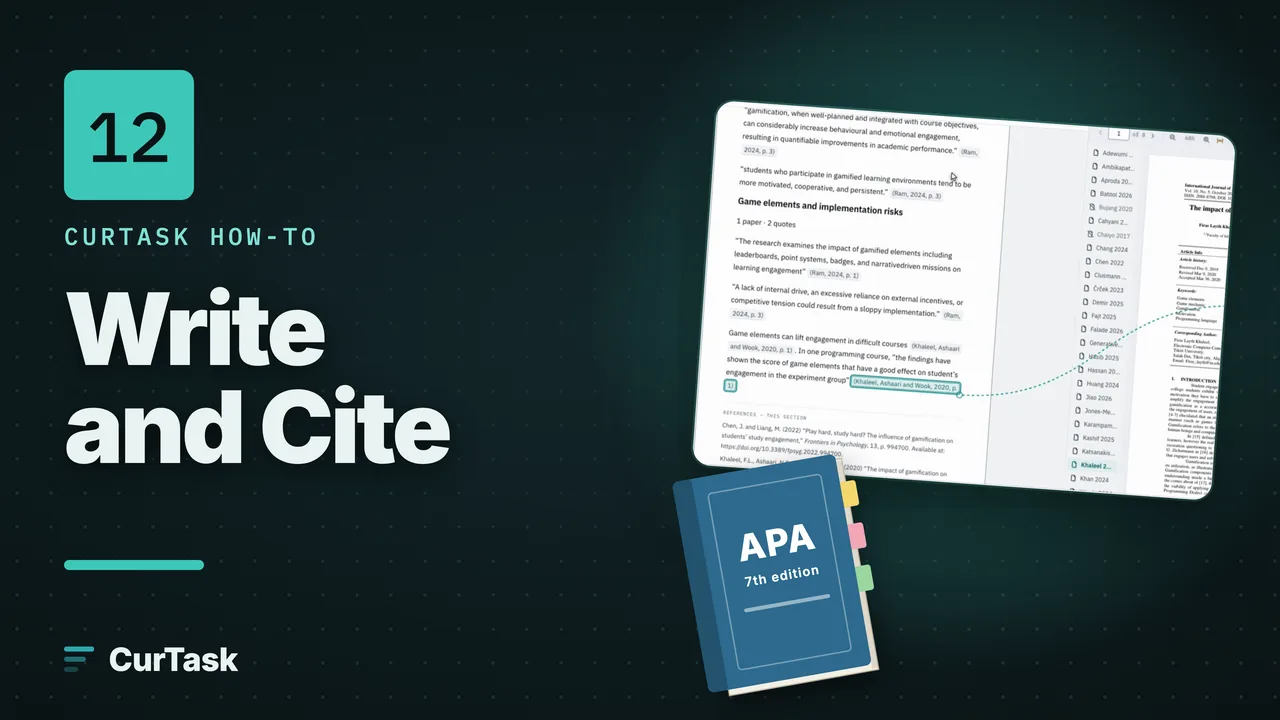
- Step by stepWrite and cite with @Add sections to your manuscript, type @ to cite a paper as you write, choose a citation style, and watch the references build themselves.
- Step by stepQuote a passage straight from the readerOpen a paper beside your draft, select a passage, and drag it in or press Quote in draft; it arrives quoted, with its citation linked to the page.
- Step by stepCite from the matrix or a paper's detailsSend a matrix value, with or without its quote, or a whole paper into the section of your draft you choose.
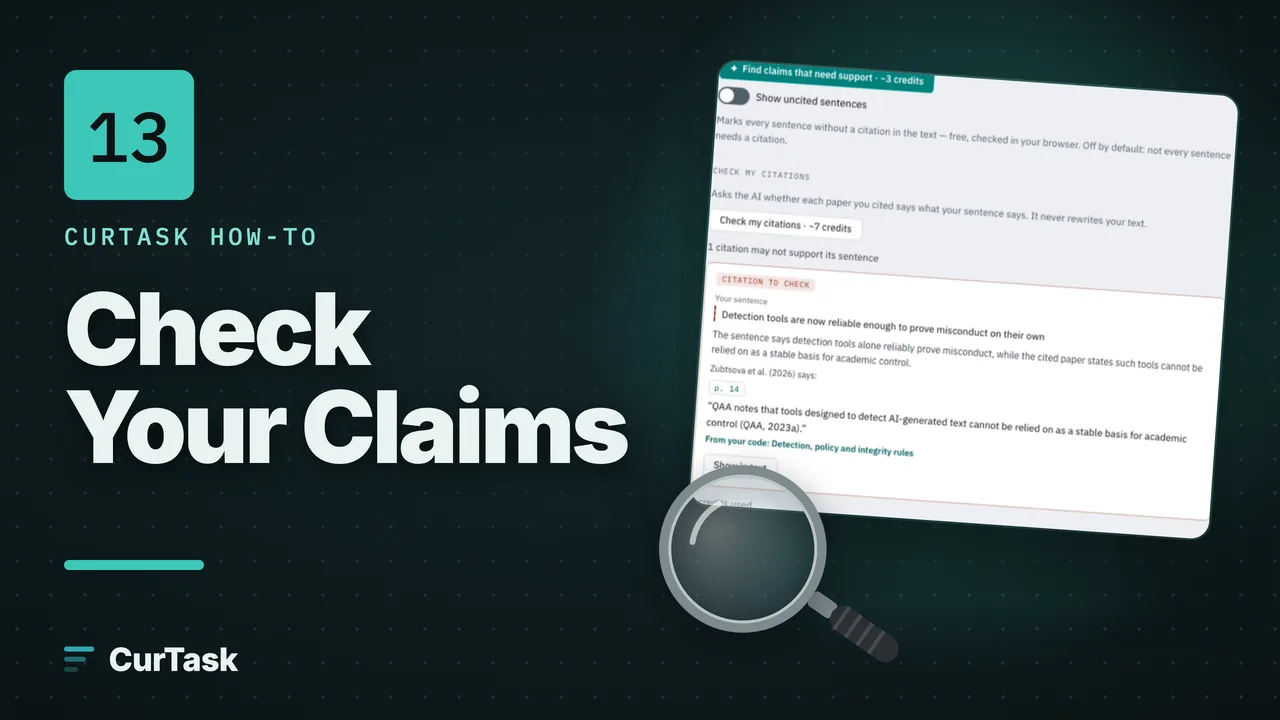
- Step by stepCheck my citationsAsk whether each paper you cited actually says what your sentence says, and see the passage it does say.
- Step by stepFind claims that need support, and papers that back themMark the sentences in a section that a reader would expect a source for, then find passages in your papers that support them.
- Step by stepWrite a compare-and-contrast paragraphPick 2 to 8 papers and get a Suggested paragraph comparing them, with a citation and page after every sentence.
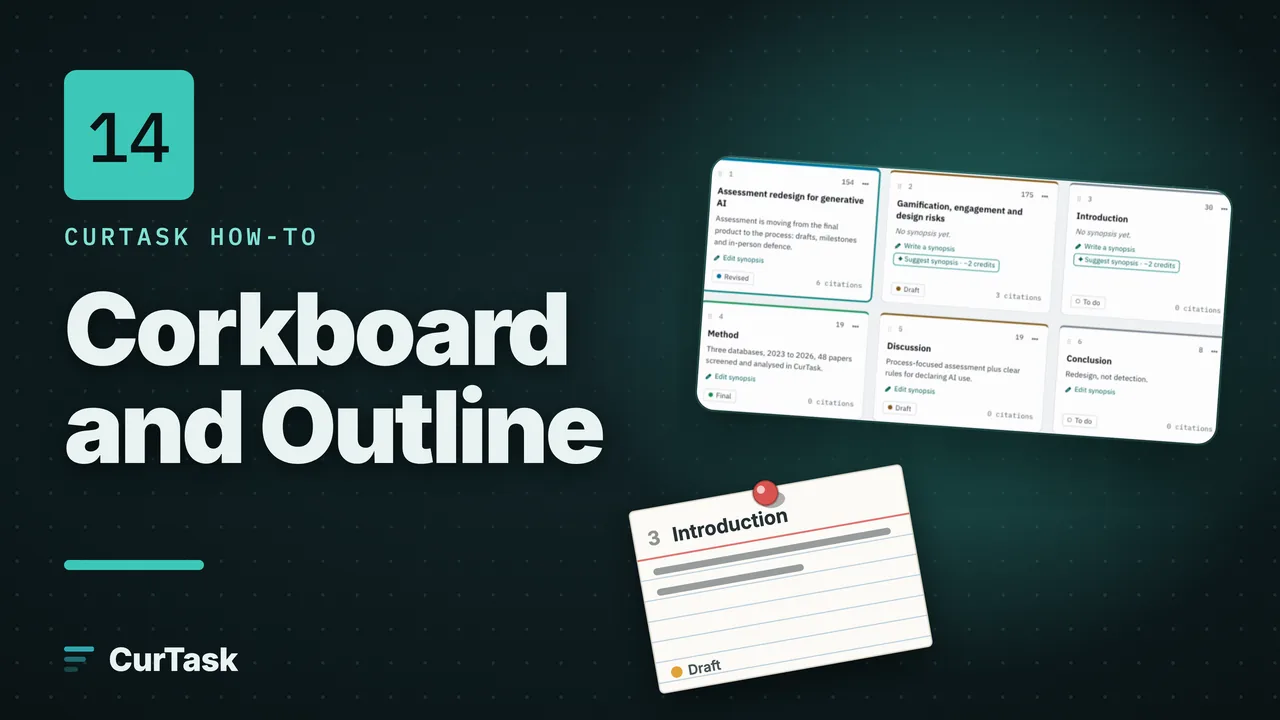
- Step by stepPlan with the Corkboard and OutlineSee your sections as index cards or as a table, reorder them, write a synopsis for each, and track status and word targets.
- Step by stepFocus mode, typewriter and layoutsWrite without distraction, keep your line in the middle of the screen, choose separate or continuous sections, and set a word target and status.
- Step by stepCompile and export your manuscriptMake a Word, PDF, Markdown or HTML file of your manuscript, with a title page, contents, bibliography and an AI contribution report.
Concepts
- ConceptSource anchors and the evidence lineHow a quote in your draft stays linked to the page it came from, and what the Evidence panel shows for each paragraph.
- ConceptThe insight marginCards beside your draft that show where your accepted analysis supports, contradicts or extends the paragraph you are writing, and where it has a gap.